

Barcode Print Size: How Many Millimeters? (EAN-13 at 80–200%, Measured)
What size should a product barcode be when you print it yourself? I compared the GS1 EAN-13 spec with the actual size at each magnification and checked whether PNG, SVG and PDF files keep that size in a document.
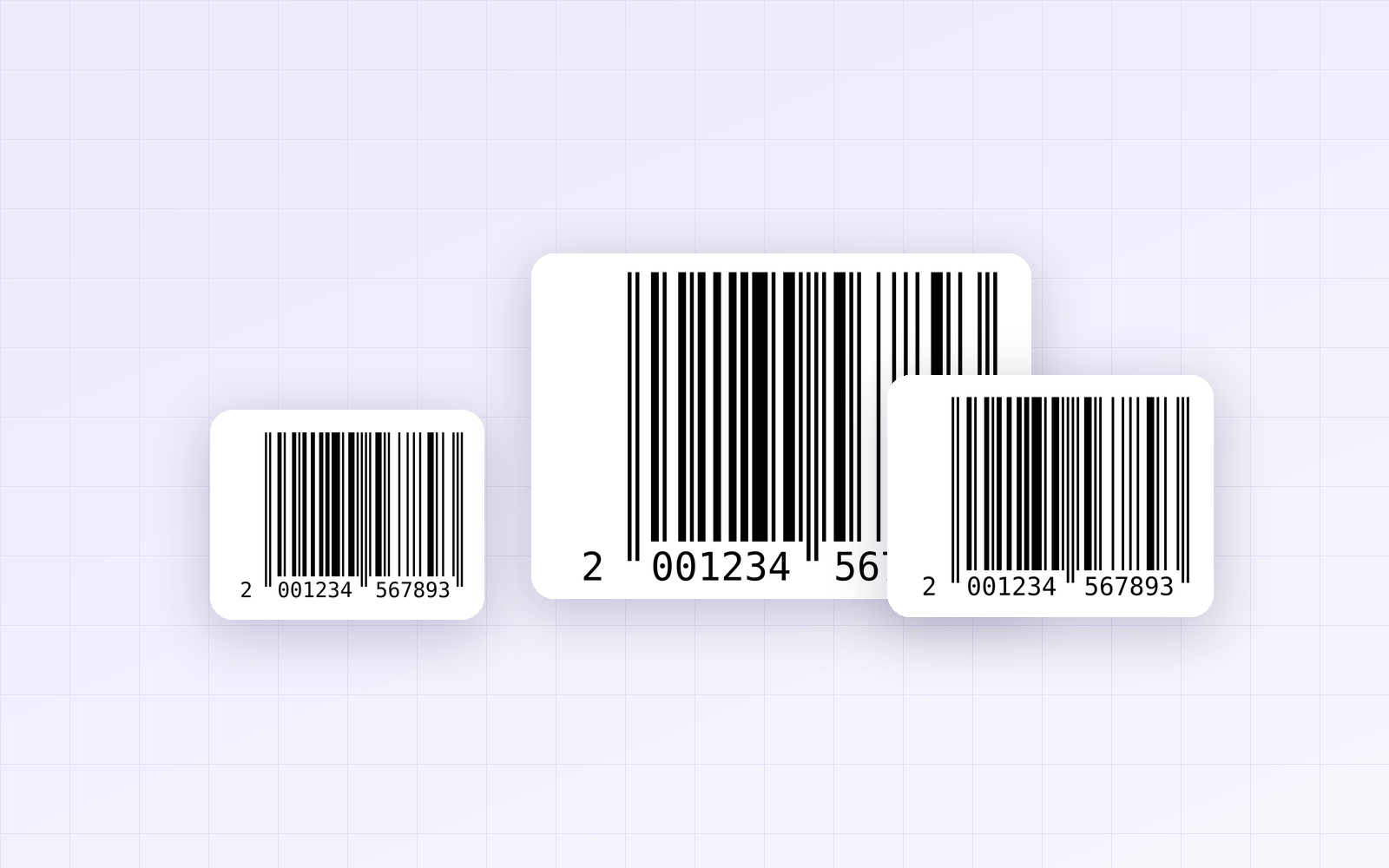
If you want to make and print barcodes for your products yourself, the first question is how many millimeters they should be. Retail barcodes (EAN-13) have a size range set by the GS1 standard, and a barcode that's too small or distorted may not scan at the checkout. I made barcodes at several magnifications with PicLever's Barcode Generator, measured whether their actual size matches the standard, and checked whether that size holds when you place the file in a document.
Bottom line: at 100%, an EAN-13 has a module (narrowest bar) of 0.33mm and a bar height of 22.85mm, and it should be printed at 80–200%. Barcodes made with PicLever matched these specs exactly at every magnification, and PNG, SVG and PDF files all carry size information, so they came into documents at the magnification you chose. Don't resize the barcode by hand after placing it.
EAN-13 size specs (GS1)
| Item | At 100% | Allowed range |
|---|---|---|
| Total width (including margins) | 37.29mm | 80% (29.83mm) to 200% (74.58mm) |
| Module width | 0.330mm | 0.264–0.660mm |
| Bar height | 22.85mm | Scales with magnification |
| Quiet zones | Left 3.63mm · right 2.31mm | Scale with magnification |
-
Scale width and height together. Shrinking only the width or cutting down the height distorts the bars and can make the code unreadable.
-
For products that are also scanned in distribution centers, 150–200% is recommended.
-
Specs follow the EAN-13 guidance from GS1 Ireland and GS1 New Zealand as of September 2026.
Measuring the actual size at each magnification
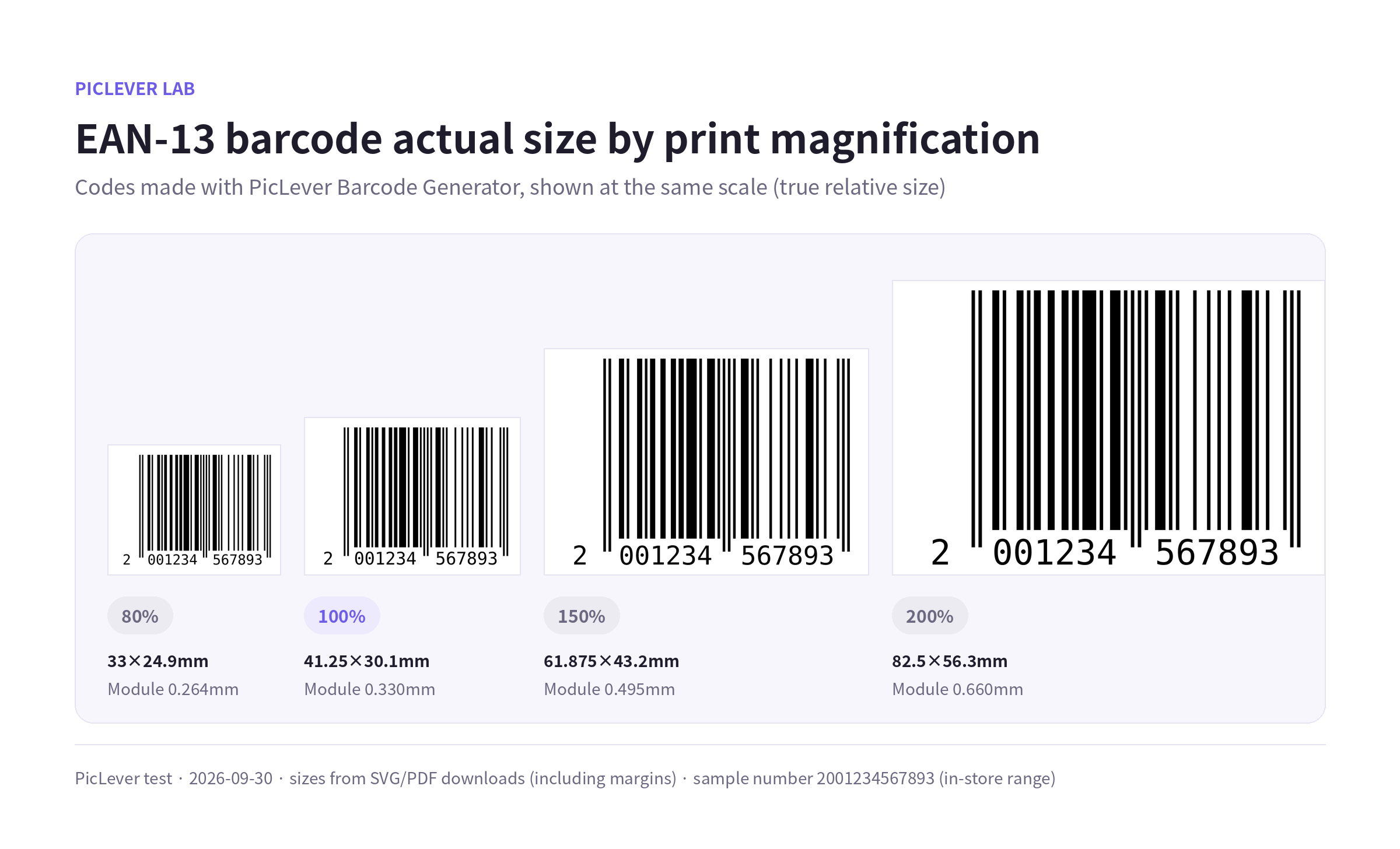
I made the same number at 80%, 100%, 150% and 200% and measured the SVG and PDF downloads.
| Magnification | Saved size (with margins) | Module width | GS1 spec |
|---|---|---|---|
| 80% | 33.0 × 24.9mm | 0.264mm | Matches |
| 100% | 41.25 × 30.2mm | 0.330mm | Matches |
| 150% | 61.9 × 43.2mm | 0.495mm | Matches |
| 200% | 82.5 × 56.3mm | 0.660mm | Matches |
-
Module width and bar height (22.85mm at 100%) matched the GS1 spec at every magnification.
-
The saved width is a little larger than the 37.29mm in the spec because the file includes generous side margins. Keep those margins—don't trim them.
Does the size hold in a document?
I checked the three file formats saved at 100%.
| File format | Size information in the file | Width in a document |
|---|---|---|
| PNG (1000px) | 615.7 dpi resolution | 41.25mm |
| SVG | 41.25mm | 41.25mm |
| 41.25mm | 41.25mm |
-
All three formats store their size in the file, so they come in at 100% in apps like Word.
-
Dragging a corner to resize the barcode in your document changes the magnification. If you need a different size, choose a new print scale in the generator and download again.
-
For print shops, SVG is the safest because it stays sharp at any size.
Test setup
-
Sample: EAN-13 example number 2001234567893 (a 200-range number reserved for in-store use, not a real product)
-
Downloaded PNG, SVG and PDF files from the PicLever Barcode Generator at 80, 100, 150 and 200% print scale, and measured each file's millimeter size, resolution and bar width · Tested 2026-10-01
Making a barcode with PicLever
-
In the Barcode Generator, choose the Format: EAN-13 for retail products, or CODE128 for internal uses like inventory or asset tracking.
-
Enter your Assigned product number. For retail codes, include the final check digit.
-
Choose the Print scale. Use 100% or more if there's room, and don't go below 80% even on small packaging.
-
Download SVG for print shops; PNG or PDF is fine for documents. Set your printer to 100% (actual size).
-
Always test your first printed label with a real scanner or phone.
FAQ
Q. Can I use any number for a barcode?
EAN-13 numbers for retail products must be issued by your national GS1 organization (GS1 Korea in Korea). PicLever only turns your assigned number into a barcode image—it doesn't issue numbers or verify registration.
Q. Can I change the bar color or use a transparent background?
Scanners read the contrast between dark bars and a light background. Black bars on white are safest. Avoid colors like red bars, which many scanners can't see.
Q. How is this different from a QR code?
A barcode holds only a few digits or characters and is read horizontally. For longer information like a URL, a QR code is a better fit. See the QR code print size test for QR sizing.
Related posts
-
QR Code Print Size: How Many Centimeters? (Minimum Size by URL Length and Scanning Distance)
-
How to Resize an ID Photo (Korean Passport 3.5×4.5cm, 413×531px, Head Size) 2026
-
How to Make a Square Product Thumbnail: Crop vs. Pad, Compared in a Product List
-
How to Make a Wi-Fi QR Code (Do Special Characters Work? Plus Print Size)
-
CODE128 vs CODE39 (Inventory and Asset Labels: How Long Is the Same Barcode?)