

Ideas beyond the everyday
Practical ideas for better decisions, from content creation to everyday digital work.

How to Resize an ID Photo (Korean Passport 3.5×4.5cm, 413×531px, Head Size) 2026
A Korean passport photo is 3.5×4.5cm, and the online file is 413×531px. I cropped the same photo three ways to see whether the head fits the 3.2–3.6cm rule, and covered résumé photo ratios and the steps to size them correctly.
2026-09-28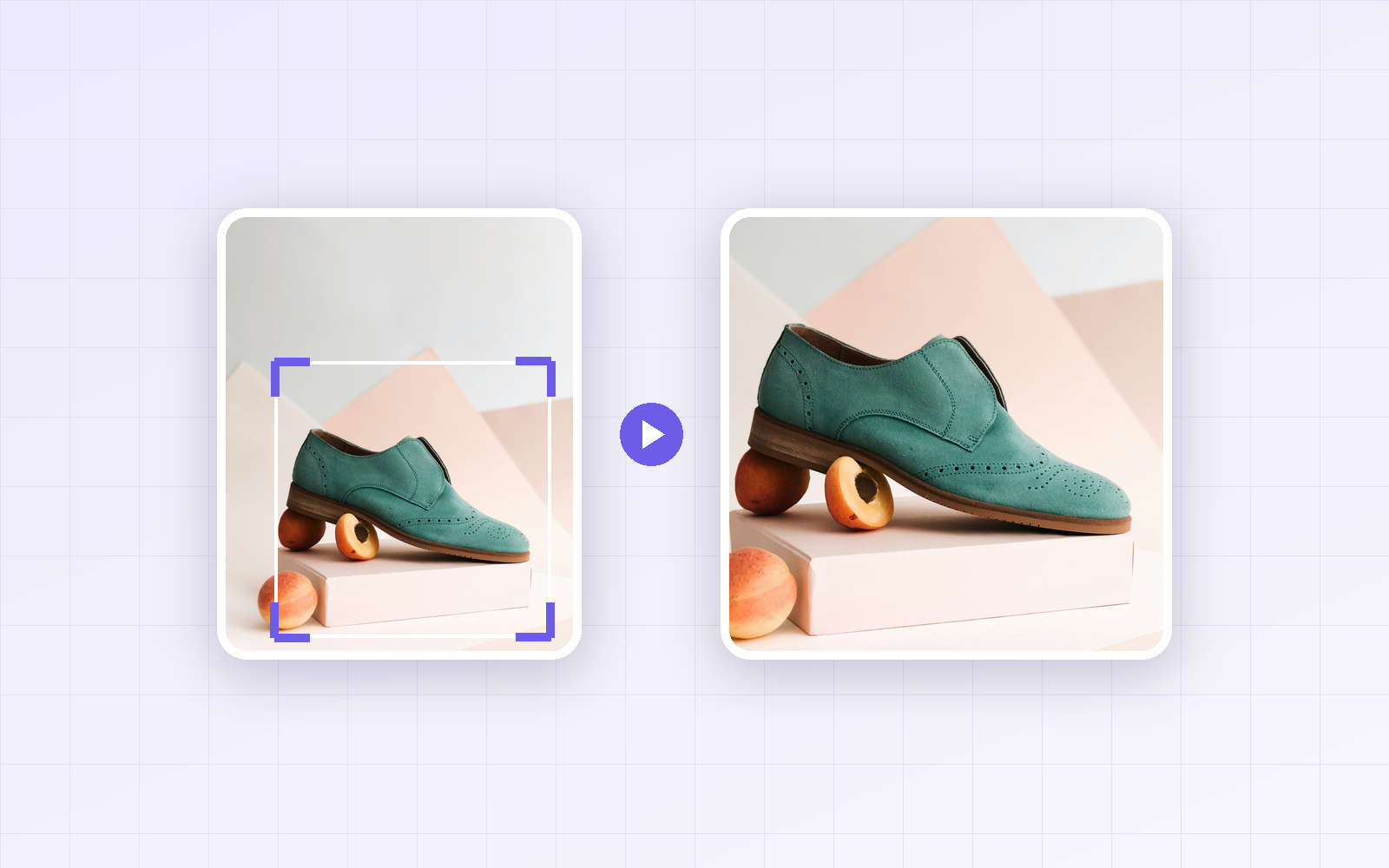
How to Make a Square Product Thumbnail: Crop vs. Pad, Compared in a Product List
Three ways to turn a portrait product photo into a square main image—center crop, crop around the product, and pad with white—compared by how large the product appears in a product list thumbnail.
2026-09-28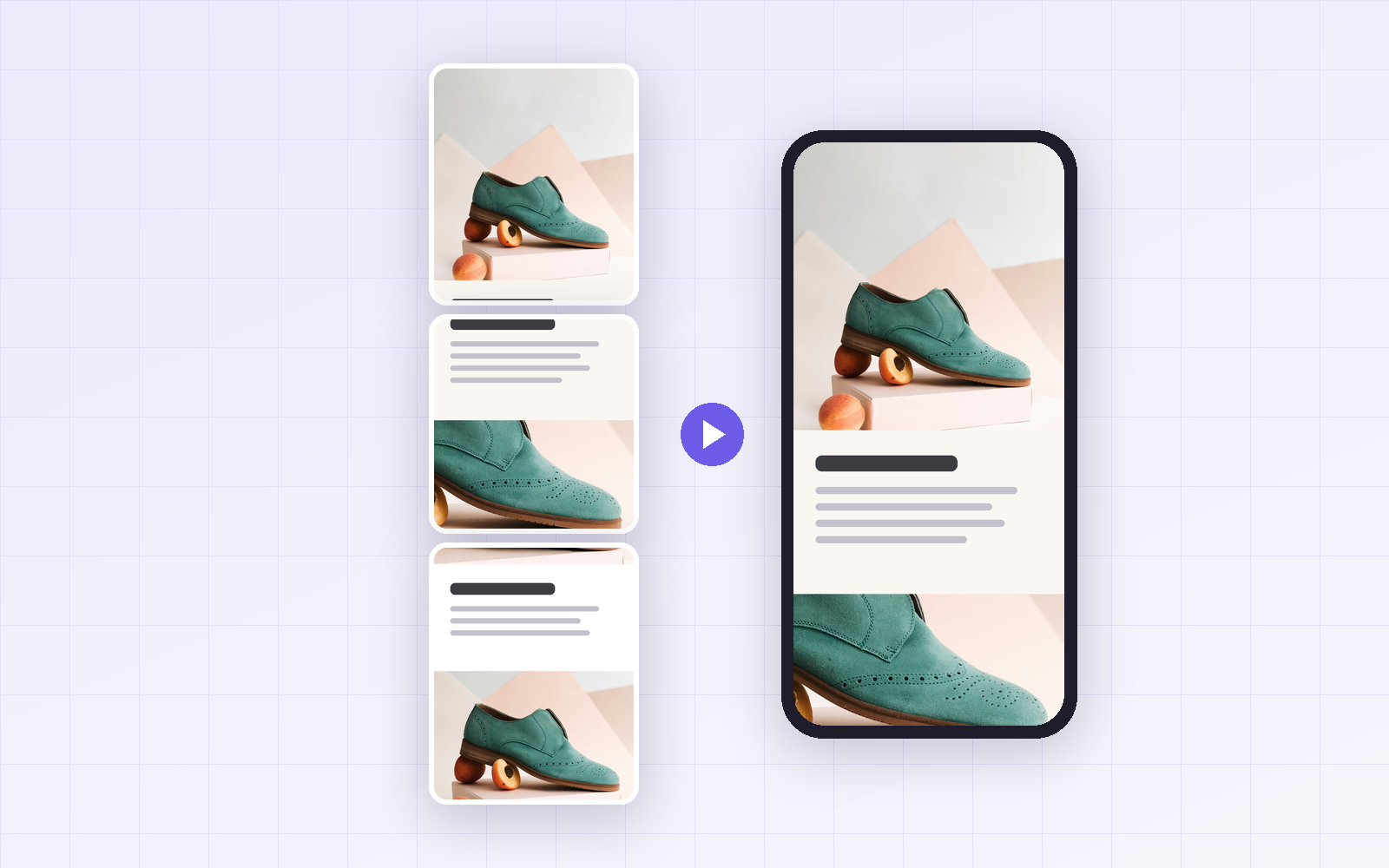
Naver Smart Store Detail Page Image Specs: 860px Width, Text Size and Splitting
Smart Store detail pages are designed 860px wide but shrink to about 45% on a phone. Here are the official specs, the text size that stays readable on mobile, and what happens to file size when you split a long detail page.
2026-09-28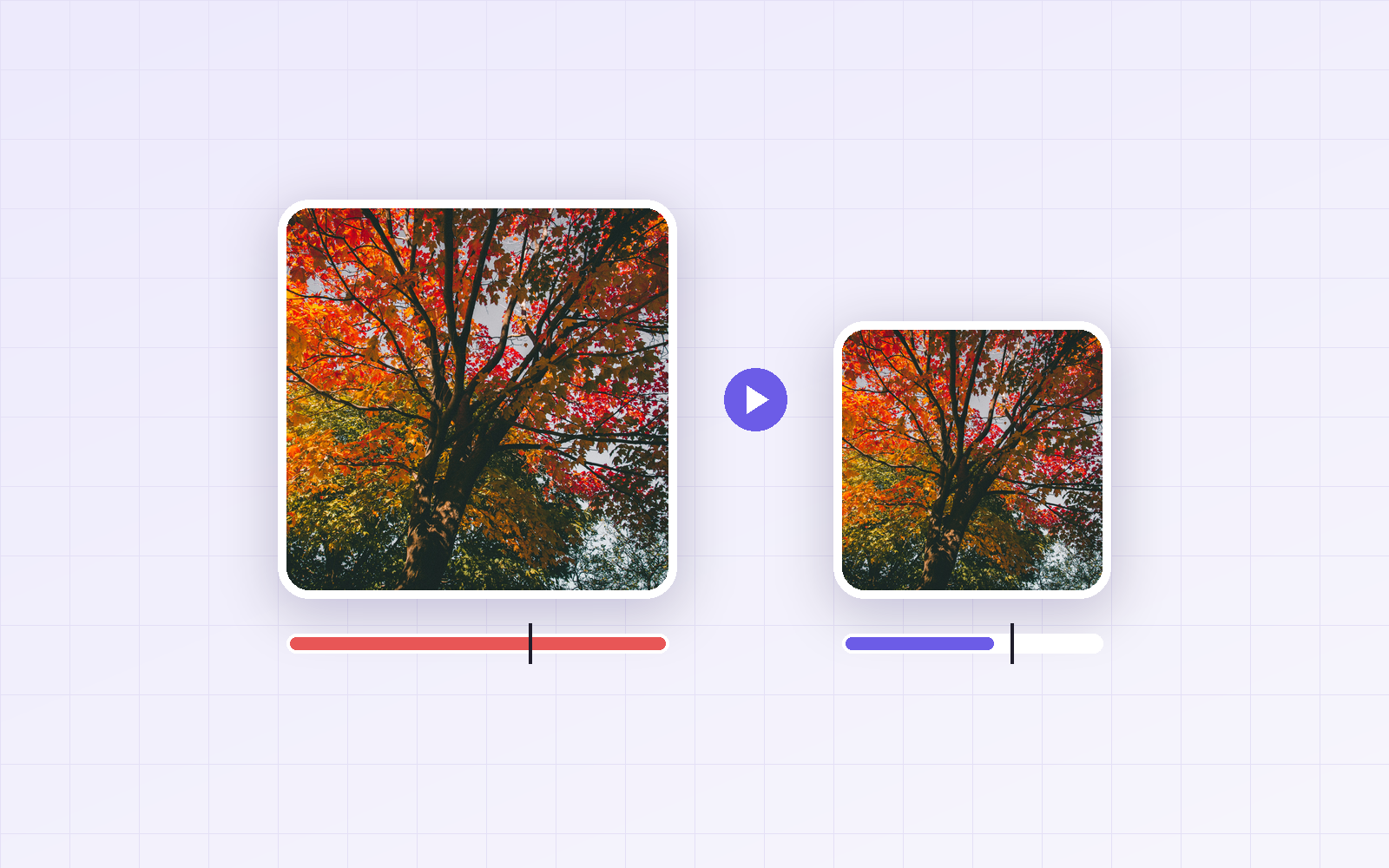
Image Too Large to Upload? Photo Size Settings to Hit 100KB, 300KB or 1MB
Getting a 'file too large' error? Resize before you lower quality. I saved product, portrait and landscape photos at many sizes and quality levels to build a settings table for targets from 100KB to 2MB.
2026-09-28
WebP File Won't Open? How to Convert WebP to JPG or PNG (and What to Watch For)
Saved a WebP image that won't open or got rejected by an upload form? I converted a WebP product photo to JPG and PNG to compare file size and quality, and tested why renaming the extension doesn't work and what repeated conversions do to quality.
2026-09-28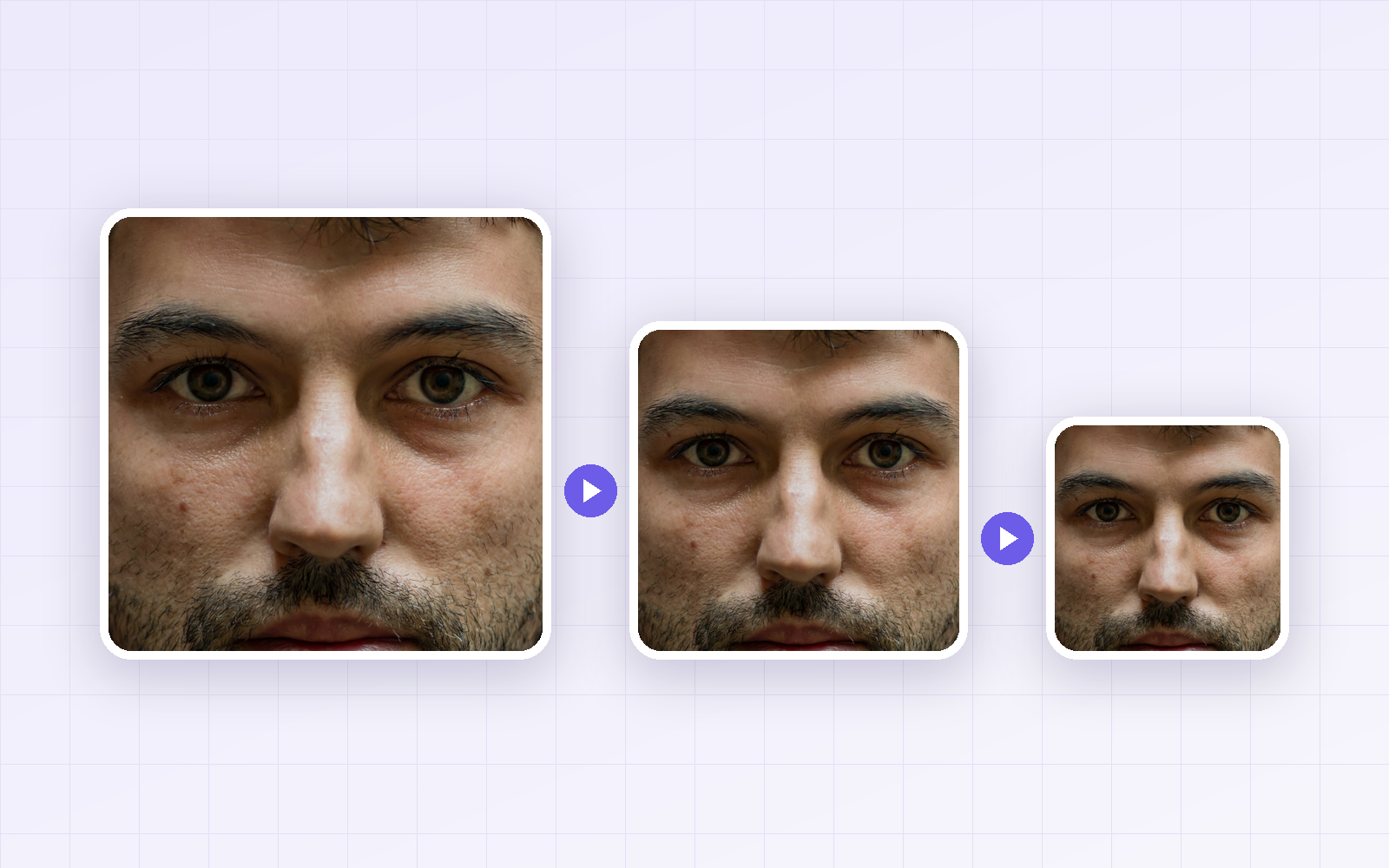
3 Ways to Reduce Image File Size: Dimensions, Quality or Format First?
You can shrink an image by changing its dimensions, quality or format. I reduced a 608KB portrait step by step to find the order that saves the most with the least visible loss, and whether to cut dimensions or quality at the same file size.
2026-09-28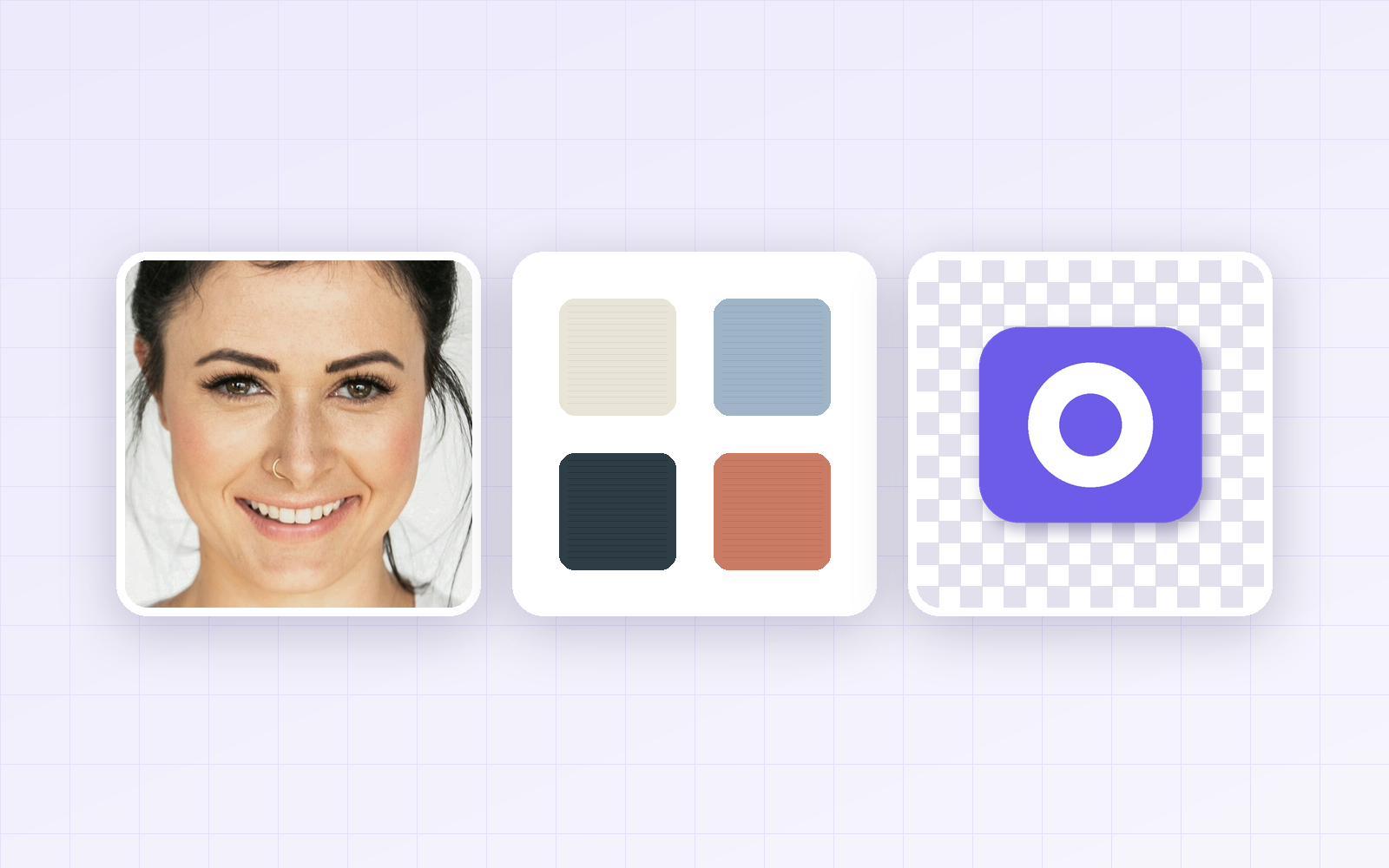
JPG vs PNG vs WebP: I Saved the Same Images in All Three Formats
We saved a photo, a text-heavy graphic, and a transparent logo as JPG, PNG, and WebP, then compared file size and quality. Here’s which format to use for each kind of image.
2026-09-27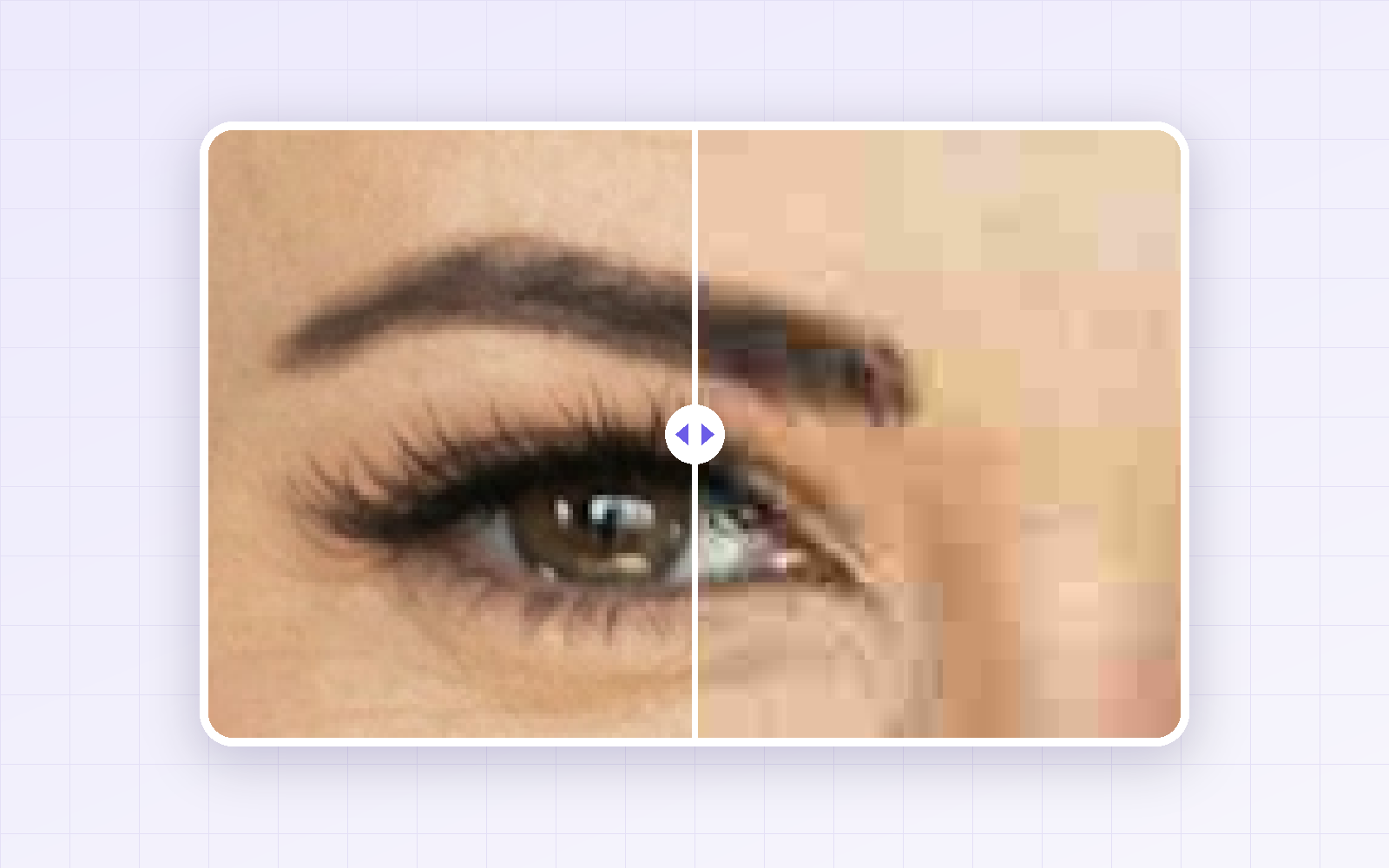
JPG Quality 90 vs 80 vs 60 vs 40: A Side-by-Side Test
We saved a portrait and a text-heavy graphic at JPG quality 90, 80, 60 and 40, then zoomed in. See how much each step saves and where the quality loss becomes visible.
2026-09-27