

JPG vs PNG vs WebP: I Saved the Same Images in All Three Formats
We saved a photo, a text-heavy graphic, and a transparent logo as JPG, PNG, and WebP, then compared file size and quality. Here’s which format to use for each kind of image.
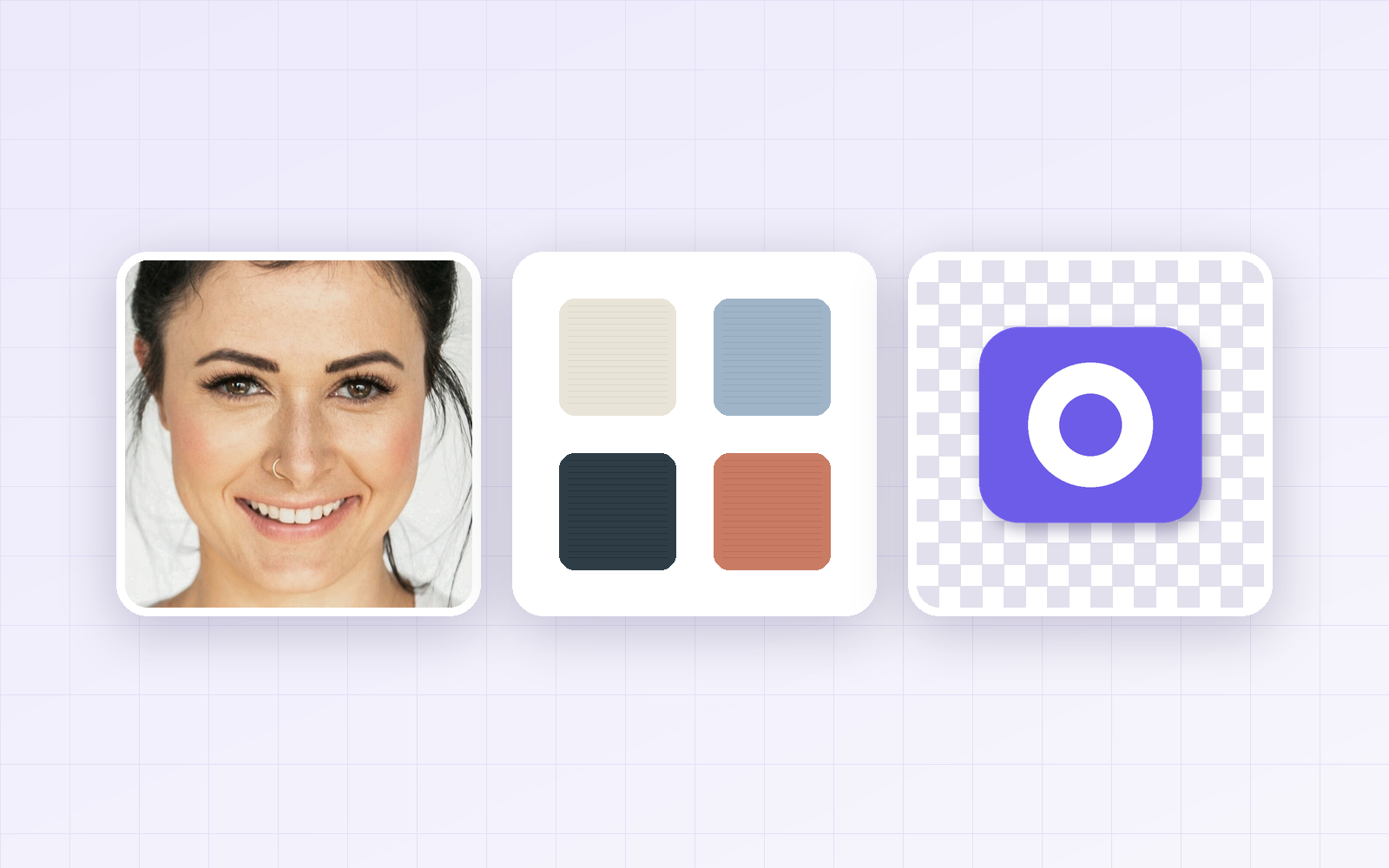
JPG, PNG, or WebP — which one should you pick when you hit “Save as”? Format explainers only get you so far, so we saved three real images in all three formats and measured the results: a portrait photo, a text-heavy product graphic, and a logo with a transparent background.
Short answer: use JPG for photos, PNG for text-heavy graphics and anything with transparency. If the image is going on your own website, WebP was the smallest in every case.
The quick answer
| Type of image | Best format | For the web | Avoid |
|---|---|---|---|
| Photos (people, products, scenery) | JPG | WebP | PNG — about 6× larger |
| Text, tables, flat graphics (screenshots, banners) | PNG | WebP lossless | Low-quality JPG — smudges around letters |
| Transparent backgrounds (logos, icons) | PNG | WebP lossless | JPG — transparency is lost |
Want to convert one now? Drop it into PicLever’s image converter and pick the output format. Your file is processed in the browser and never uploaded to a server.
How the three formats differ
-
JPG — lossy compression built for photos. It throws away detail your eye is unlikely to notice, which makes files small, but every re-save loses a little more and it can’t store transparency.
-
PNG — lossless. It keeps every pixel exactly and supports transparency. It’s efficient for large flat areas of color, but heavy for detailed photos.
-
WebP — a web format from Google that does both lossy and lossless compression, with transparency. All modern browsers support it, but some desktop apps and upload forms still don’t.
How we tested
-
Sample A: portrait photo, 1200×1510 px — photo by Jake Nackos on Unsplash (downloaded JPEG re-saved as PNG to use as the original)
-
Sample B: product-page graphic with text, a table and a gradient, 860×1444 px (made by us)
-
Sample C: logo with a transparent background, 800×800 px (made by us)
-
JPG and lossy WebP at quality 90, optimized PNG, plus lossless WebP · tested Sep 27, 2026
Results: file size by format
| Sample | PNG | JPG (q90) | WebP (q90) | WebP lossless |
|---|---|---|---|---|
| A — photo | 1.2 MB | 199 KB | 113 KB | 777 KB |
| B — text graphic | 69 KB | 132 KB | 50 KB | 27 KB |
| C — transparent logo | 31 KB | 37 KB (no transparency) | 25 KB | 17 KB |
1. For photos, PNG was about 6× larger than JPG
The same photo came out at 1.2 MB as PNG and 199 KB as a quality-90 JPG. Photos have slightly different colors in almost every pixel, so lossless compression has little to work with. WebP at quality 90 was 113 KB — about 43% smaller than the JPG.
2. For text graphics, PNG was actually smaller than JPG
It’s easy to assume JPG is always smaller. Not here: sample B was 69 KB as PNG and 132 KB as JPG, so the PNG was roughly half the size. Flat backgrounds and solid text colors compress very well losslessly, while JPG adds smudges around the letters. Lossless WebP was the smallest of all at 27 KB, with no quality loss.
If your graphic is mostly product photography, the result flips — the more photo content, the better JPG does.
3. JPG removes transparency
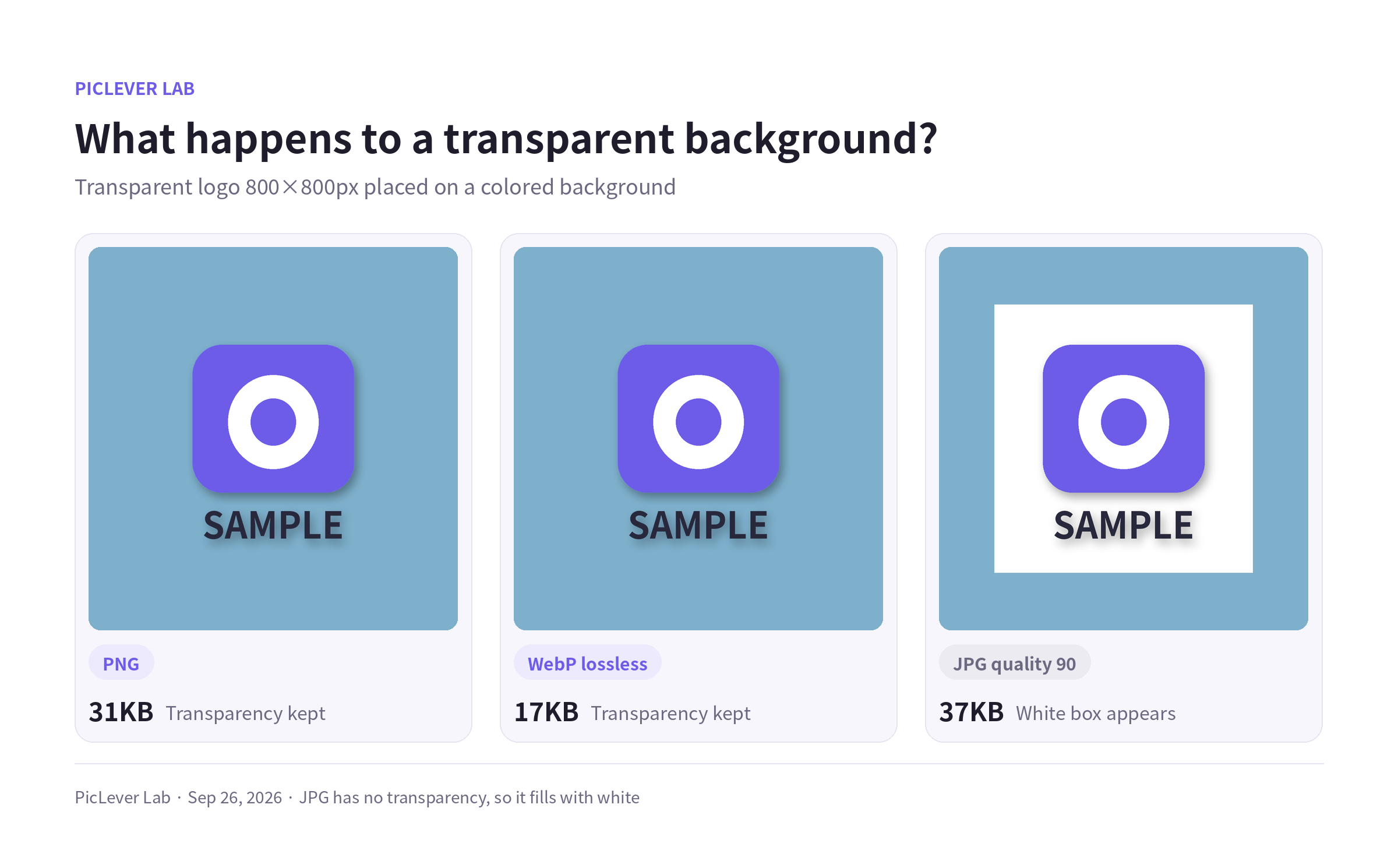
Save a transparent logo as JPG and the empty areas are filled with white, so you get a white box as soon as you place it on a colored background. It was also larger than the PNG (37 KB vs 31 KB). Keep logos and icons in PNG or WebP.
Where WebP may not open
| App | JPG | PNG | WebP |
|---|---|---|---|
| Chrome, Edge, Safari, Firefox | ✓ | ✓ | ✓ |
| Microsoft Word / PowerPoint | ✓ | ✓ | (check) |
| Google Docs / Slides | ✓ | ✓ | (check) |
| Windows Photos / macOS Preview | ✓ | ✓ | (check) |
If WebP won’t open where you need it, convert photos to JPG and transparent or text-heavy images to PNG.
Which format for which job
-
Product photos for an online store or marketplace → JPG (check whether the platform accepts WebP)
-
Images on your own website or blog → WebP — smaller at similar quality
-
Screenshots and tables for docs or slides → PNG
-
Master copies of logos and icons → PNG
-
Print files → ask your printer; they usually want PDF or TIFF rather than any of these three
Things to watch
-
Opening a JPG, editing it and saving it as JPG again loses a bit more quality each time. Work in PNG and export to JPG once at the end.
-
Converting a low-quality JPG to PNG won’t bring the detail back — it only makes the file bigger.
-
Exact sizes depend on the image and the encoder. Use the ratios and trends, not the exact numbers.
FAQ
Is PNG always better quality?
PNG never loses quality when you save it, but it can’t make an image better than its source. For photos, a JPG at quality 80–90 is visually very hard to tell apart.
Does WebP help page speed and SEO?
Smaller images load faster, which helps your pages. Just check that every place you publish supports WebP.
How do I turn a WebP file into a JPG or PNG?
Open it in PicLever’s converter and choose JPG or PNG as the output.
When should I use GIF?
Only for short animations. GIF is limited to 256 colors, so PNG is better for still images.
PicLever Lab · Tested Sep 27, 2026 · Photo: Jake Nackos / Unsplash · Other samples made by PicLever